A vacuum that is hard to push on carpet may have its cleaning head set too low, too much suction for that surface, a restricted brush or wheel, or a floor head that does not suit the carpet. The right next step depends on whether the problem started with new flooring, a changed setting, or a sudden change in the machine.
You should be able to clean without wrestling the vacuum across the room. Before replacing it, work through the available adjustments and check for obvious problems. If you are in Brentwood or the surrounding Nashville area, Edison Vacuum can help you work through the service or replacement options.
A Quick Guide to What the Resistance May Mean
| What you notice | What to investigate | A useful next step |
|---|---|---|
| The vacuum became difficult to push after new carpet was installed | Carpet pile, cleaning head compatibility, and available adjustments | Check the carpet care instructions alongside the vacuum manual |
| The head seems to grip the carpet when the motor runs | Suction level and how closely the nozzle seals against the surface | Try the manufacturer’s recommended suction setting if your model provides one |
| The vacuum suddenly drags on surfaces it previously cleaned comfortably | Brush, wheels, underside, and anything recently changed | Switch off, disconnect power, and inspect the user-accessible components |
| A brush warning appears or the cleaning head repeatedly stops | An obstruction, overload, or another condition identified by the model’s manual | Stop and investigate the warning before restarting |
| The head moves easily after adjustment but leaves debris behind | Whether the new setting still provides effective pickup | Recheck the recommended setup rather than judging by movement alone |
These patterns help narrow the possibilities. They do not establish a diagnosis on their own.
Start With What Changed
The most useful question is often when the problem began. A vacuum that has always struggled with one thick rug presents a different situation from a machine that became difficult to move halfway through cleaning the same room it handles every week.
If the problem followed a carpet replacement, write down the carpet manufacturer and style. If it started after cleaning the brush or changing an attachment, check that the removable components were refitted according to the manual. If someone else recently used the vacuum, check whether a control was changed.
Also separate the effort of carrying the machine from the effort of moving its head across the floor. A lightweight vacuum can still grip a particular carpet. A heavier canister can feel different in use because you move the wand and head while the main unit rolls behind you. The handling question is specific to your floor and the complete setup.
Common Reasons a Vacuum Is Hard to Push on Carpet
The Cleaning Head Is Set Too Low
On a vacuum with manual carpet-height adjustment, a low setting can put the head too deeply into thick pile. Follow the manual to raise it to an appropriate setting. Riccar’s instructions for the height-adjustable Prima R50FSN nozzle, for example, recommend a higher carpet setting when pushing becomes difficult.
Keep checking pickup as well as movement. Raising the head until it barely interacts with the carpet may make it easier to move without producing the cleaning result you need. Machines with automatic adjustment or fixed heads require a different approach.
The Suction Setting Does Not Suit the Surface
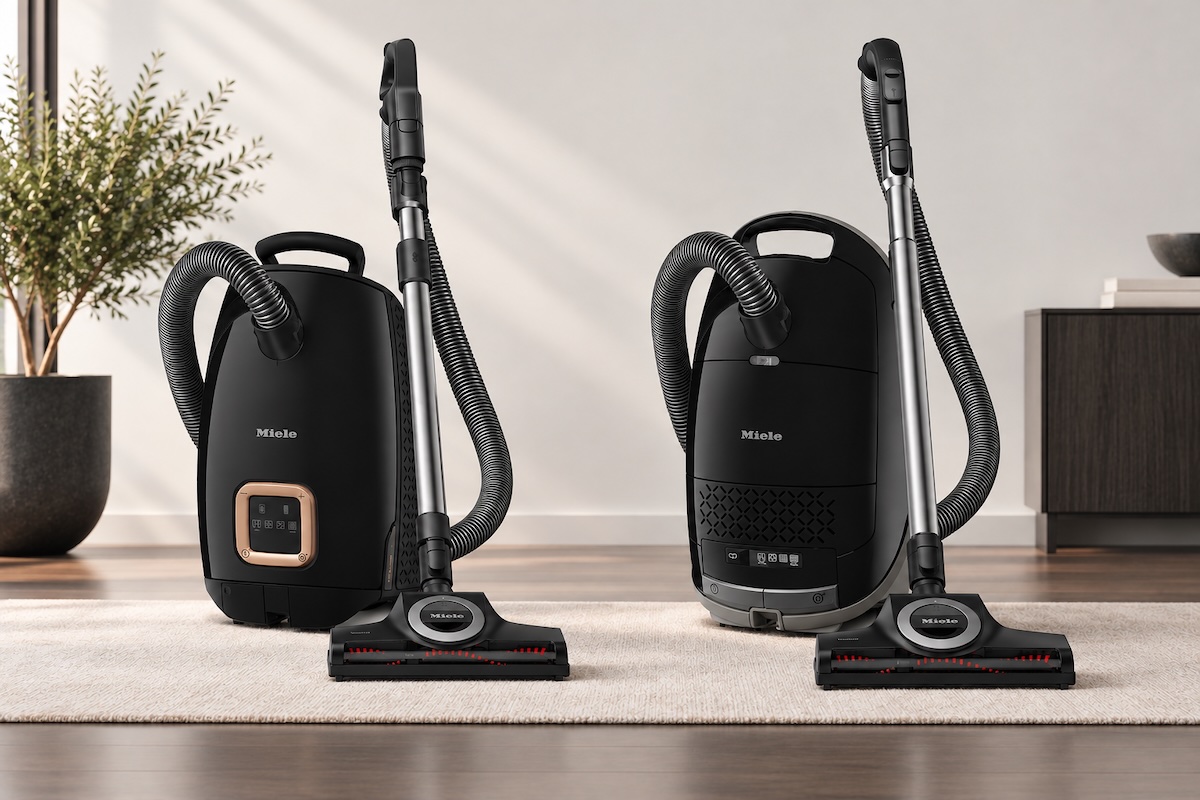
Some vacuums let you reduce suction through a power selector or a designated relief control. Miele’s Compact C1 instructions explain that reducing suction can make the floor head easier to maneuver. Use the controls described for your particular machine and attachment.
Height and suction are separate adjustments. A dial that changes brush height does not necessarily change suction. The SEBO DART, for example, has manual height adjustment but does not have variable suction control. Advice that works for another model may therefore be unavailable on yours.
The Carpet and Floor Head Restrict Airflow Together
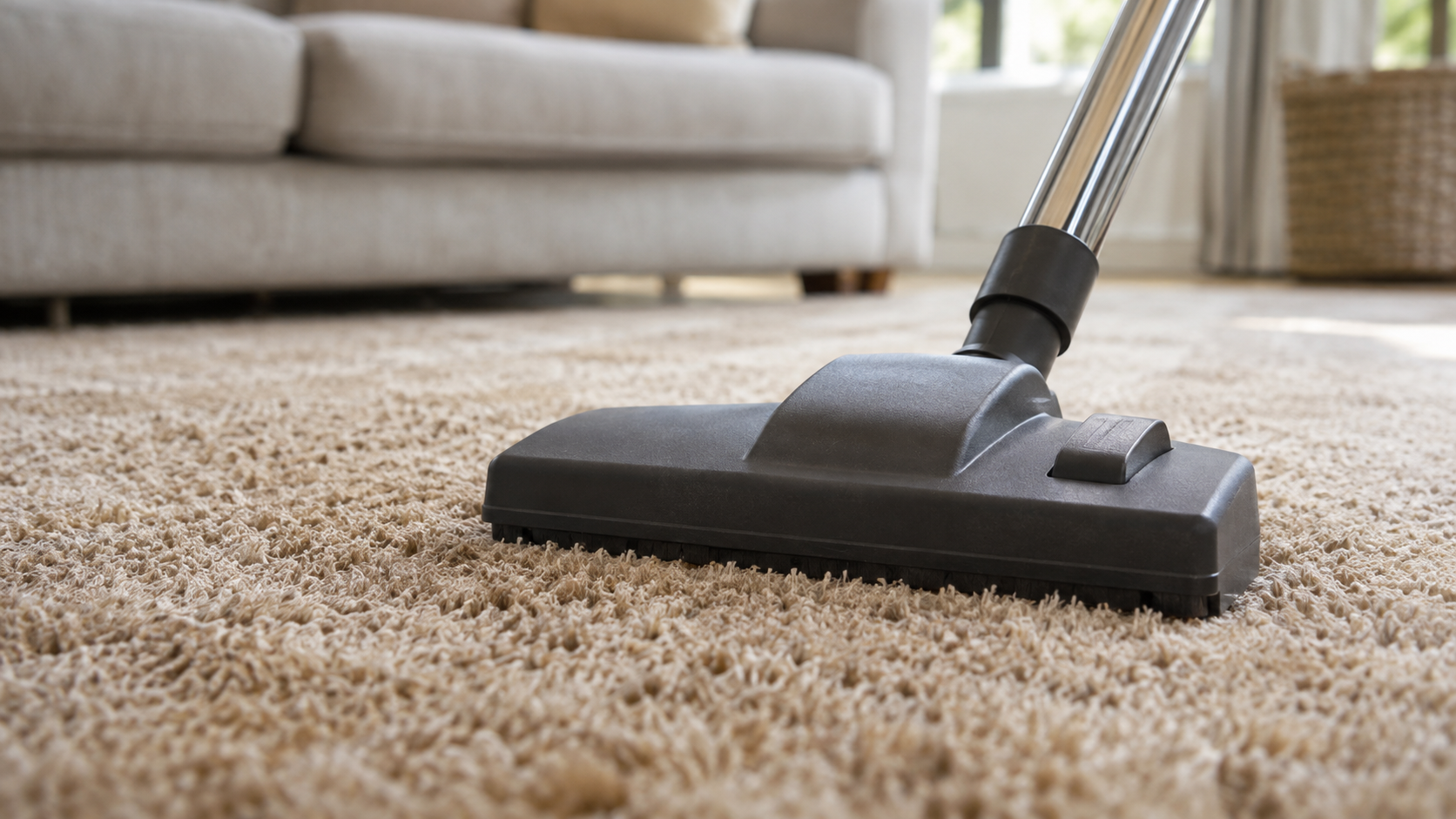
A cleaning head needs air moving through it to carry debris away. On some carpets, the pile can closely surround the intake. Miele describes this interaction with its Boost CX1 turbo brush, where restricted airflow can slow the air-driven brush.
This is why a head that seems firmly stuck to the carpet should not automatically be assumed to be cleaning better. Air-driven turbo brushes, electrically powered heads, and suction-only tools work differently. Identify the attachment before deciding which adjustment to try.
Hair or Debris Is Interfering With the Brush or Wheels
With the vacuum switched off and disconnected from power, inspect the accessible underside. Look for hair or thread around the brush, debris near the wheels, or a loose part that appears to touch the floor. Follow the manual for anything designed to be removed or cleaned by the owner.
If a wheel remains stuck, the brush cannot operate as the manual describes, or you see damaged parts, arrange service. Keep your inspection to accessible components rather than dismantling the motor housing.
The Carpet Requires a Different Cleaning Method
Carpet construction matters as much as how soft it feels. Check the specific care instructions for long pile, looped constructions, wool, and delicate rugs before choosing brush action or an attachment.
For example, Shaw’s carpet care guidance distinguishes most carpet styles from long-yarn shag. Its guidance for shag calls for suction-only cleaning or an adjustable brush raised away from the fibers. That difference is a good reason to use your flooring manufacturer’s instructions when selecting the setup.
How to Check the Problem Without Forcing the Vacuum
- Stop if anything seems wrong beyond ordinary resistance. A burning smell, scraping, visible damage, or repeated shutdown is a reason to discontinue use and investigate.
- Disconnect power before inspecting. Unplug a corded vacuum. For a cordless model, follow its instructions for preventing accidental startup during maintenance.
- Identify the exact machine and head. Record both model numbers where available. A canister’s model alone may not identify the attached cleaning head.
- Check the flooring instructions. Confirm which brush action and cleaning tools are suitable before testing a different setting.
- Make one permitted adjustment at a time. Use the manual’s procedure, then test a small area. Record what changed so you can tell which adjustment helped.
- Assess the cleaning result. The head should move comfortably and collect debris using a setup appropriate for the carpet. If it cannot do both, ask for help with compatibility or service.
Keep bags, bins, and filters maintained according to the manual as well. A loaded bag or dirty filter can reduce airflow and affect performance, but that does not mean it creates excessive suction. Clean or replace filters as specified for the model, and only wash components identified as washable.
When the Vacuum May Need Repair
A sudden change on familiar flooring deserves attention, particularly if it comes with a stuck wheel, an unusual sound, a brush that stops, or a recurring warning. Tell the technician what changed and which checks you have already completed. That gives the inspection a clearer starting point.
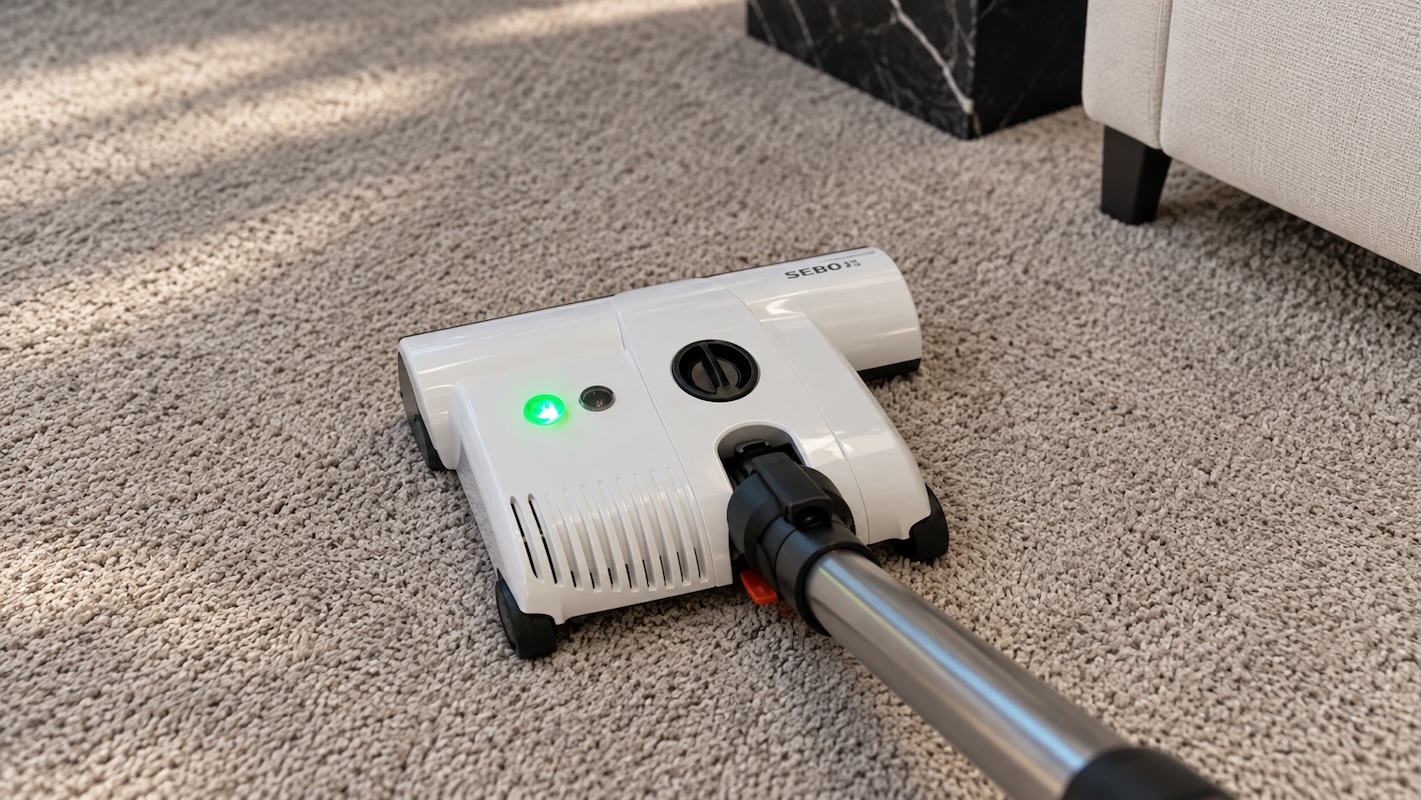
Warnings also need to be interpreted by model. A steady light and a flashing light can mean different things. SEBO owners can use our guide to SEBO vacuum indicator lights to identify the relevant model and warning pattern.
Edison Vacuum provides vacuum service and repair in Brentwood for many major brands. Contact the store with your model and symptoms to discuss the next step, including current service arrangements.
When a Different Attachment or Vacuum May Help
If the machine operates normally but remains difficult to use on your carpet after the recommended adjustments, discuss the fit between the floor and the cleaning head. A compatible alternative head or manufacturer-approved accessory may be worth checking before you replace the entire vacuum.
Compatibility needs to be confirmed for the exact equipment. A tool that physically connects is not necessarily suitable for the machine or floor. Browse our vacuum attachments as a starting point, then ask about fit and intended use.
Some machines incorporate features specifically intended for soft carpet. The Riccar SupraLite R17, for example, includes a soft-carpet baseplate. That makes it a relevant model to discuss, while the final choice still depends on your carpet’s requirements and your other cleaning needs.
When comparing vacuum options at Edison, bring the conversation back to how you will use the machine:
- Which carpet or rug is causing the resistance?
- What does its manufacturer specify for routine cleaning?
- Do you also need to clean hard floors, stairs, or upholstery?
- Which controls can you comfortably operate during normal cleaning?
- Does the proposed setup address your difficult surface while covering the rest of the home?
A specific conversation about your flooring is more useful than choosing solely by motor specifications, machine weight, or brand name.
What to Have Ready When You Contact a Vacuum Shop
Have the vacuum model, the cleaning head model if separate, and the carpet name or care label available. Photos of the controls and the flooring can help explain the situation. Note whether the difficulty affects one rug, every carpeted room, or surfaces the machine previously handled well.
Describe any warning lights and what you have tried. If you have a spare carpet sample, ask whether bringing it would be useful. Call ahead to confirm which machine components the shop wants you to bring for a service visit.
Frequently Asked Questions
Why did my vacuum become hard to push after I installed new carpet?
The new carpet may interact differently with the nozzle, wheels, or brush. Start with the carpet care instructions and the adjustments supported by your vacuum. A change that appears only on the new surface is a useful clue, although it does not rule out a machine problem.
Should I always use the highest suction setting?
Use the setting recommended for your machine, attachment, and surface. On models with adjustable suction, a lower setting may improve handling. Check that pickup remains effective and that the attachment is being used as instructed.
Does a lighter vacuum always push more easily?
No. Carrying weight is only one part of usability. The head’s interaction with the carpet also affects movement. Compare how the complete setup handles the surface you need to clean.
Should I turn off the brush roll on thick carpet?
Check the carpet’s instructions and the vacuum manual. Thick carpets do not all require the same approach. Some constructions need a different tool or brush setting, and your machine may or may not provide a brush-off option.
Can a different attachment solve the problem?
It may, if the attachment is compatible with both the vacuum and the carpet. Confirm the exact model and intended use before purchasing. A different head cannot correct an unrelated fault in the machine.
Do I need to replace a vacuum that is hard to push?
Start by identifying the cause. An available adjustment, routine maintenance, a repair, or a compatible accessory may address it. Consider replacement when the current setup cannot meet your cleaning and handling needs.
Get Help With a Hard-to-Push Vacuum in Brentwood
If your vacuum fights you across the carpet, contact Edison Vacuum to discuss the machine, the flooring, and the symptoms. We offer vacuum sales and service at 202 Wilson Pike Circle, Brentwood, TN 37027.
Contact Edison Vacuum or call 615-255-3292 to ask about service or choosing a setup that better suits your home.