A cordless vac really has one job. Charge up, turn on, and pick things off the floor. It’s not a complicated arrangement. But when a cordless vacuum battery stops charging, that entire system falls apart immediately. The cordless vac is still there, of course. It just has a new role now… as an object you look at with mild resentment.
A cordless vacuum cleaner can go from one of the handiest tools in the house to one of the most annoying in a hurry when its battery stops charging. One day it’s doing exactly what you bought it to do, the next it’s leaving you wondering whether you have a battery problem, a charger problem, or a machine that’s headed for the vacuum repair bench.
This kind of problem is easy to oversimplify. It’s natural to jump straight to “the battery is dead,” and sometimes that is true. But not every cordless vacuum that won’t charge needs a new battery. In some cases, the issue is the charger, a bad connection, a storage habit that has shortened battery life, or a deeper machine problem that only looks like a battery failure at first.
A lot of online discussion about cordless vacuum charging problems goes too far in one direction. It either turns every charging issue into a “replace the battery” diagnosis, or it gets so cautious and vague that cordless vacuum cleaner owners still have no idea what to check next.
What most people want is simpler than that. They want to know whether they are looking at a worn battery, a bad charger, or a vacuum that needs service. They want to know whether a replacement battery is a worthwhile fix or a waste of money for their machine. So, let’s take a closer look at what to do when your cordless vac’s battery won’t charge.
What It Usually Means When a Cordless Vacuum Will Not Charge
When a cordless vacuum does not charge, the issue usually falls into one of several buckets:
- Smple battery depletion and normal battery aging – Rechargeable vacuum batteries do not stay at full strength forever. Over time, they lose capacity, hold less runtime, and may eventually stop taking a charge in a useful way. Dyson vacuum servicing / battery care guidance puts it plainly, “batteries contain complex chemical structures that react to their environment.” And thus, battery life is influenced by use, storage, and maintenance rather than a guaranteed fixed number of years.
- Charger or charging-base failure – If the charger is damaged, intermittent, or no longer delivering proper output, the battery never gets a chance to charge.
- Poor electrical contact – If the battery terminals or connection points are dirty, worn, slightly misaligned, or not seating fully, the vacuum may act dead or inconsistent even though the battery itself is not the main culprit.
- A machine-side issue – A cordless vacuum can have a charging circuit problem, internal wiring issue, or another fault that prevents normal operation. For one example, Riccar’s own troubleshooting guide for the R10CV lists “battery is fully discharged” and “needs service” as separate possible reasons when the vacuum will not turn on. That’s an important distinction, meaning not every no-power situation should be blamed on the battery alone.
Signs the Battery Is the Problem and Not Something Else
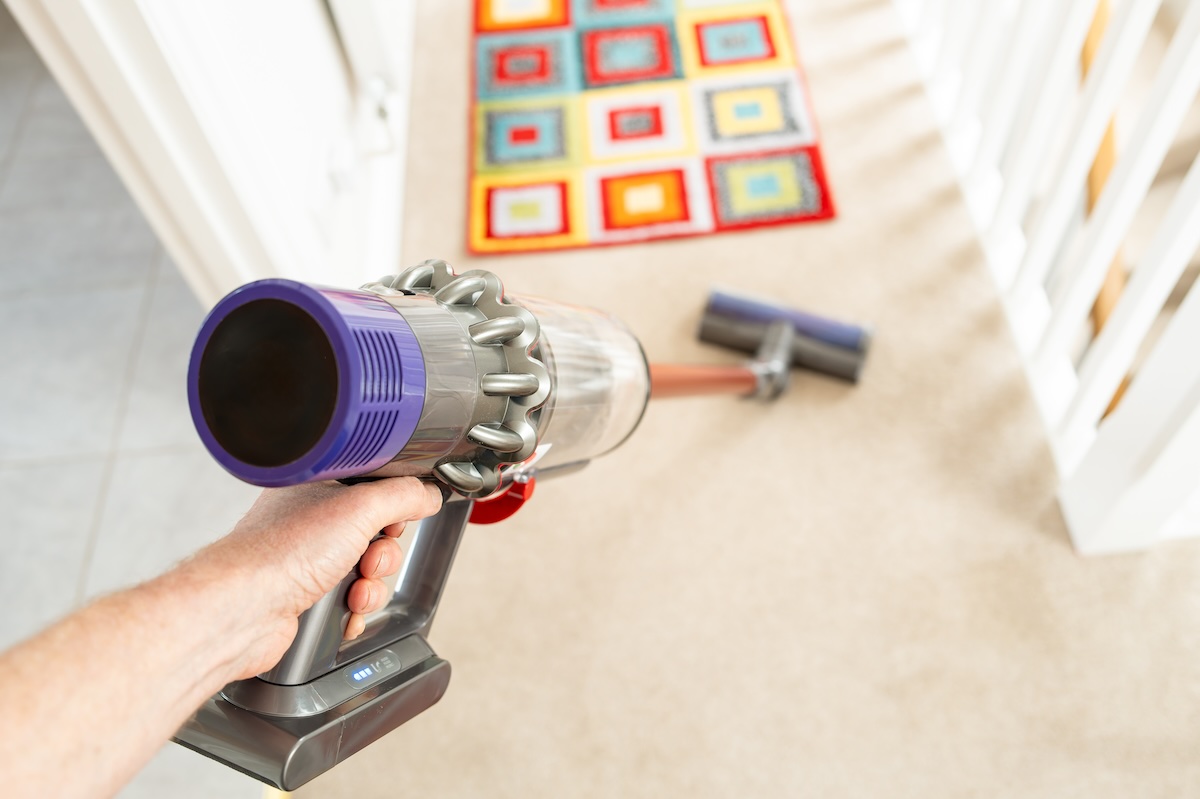
Battery failure usually leaves a trail before it becomes total failure. Sometimes it is dramatic, but more often it shows up as a slow slide.
One common sign is reduced runtime. If your cordless vacuum used to handle most of the house on one charge and now runs out far sooner under the same conditions, battery wear is high on the list. That does not automatically mean the battery is unsafe or unusable, but it does suggest it is no longer performing the way it once did.
Another sign is a battery that appears to charge but runs down unusually fast once you start vacuuming. That can feel confusing because the charger seems to be doing its job. What is happening in many cases is that the battery can still accept some charge, but it cannot store enough energy to deliver useful runtime.
You may also see complete non-response. No startup, no useful runtime, no recovery after being left on the charger. Dyson’s replacement-battery guidance lists reduced runtime as one sign and also notes machine indicators such as repeated flashing light behavior on some models. The exact indicator language differs by brand and model, but the broader point holds: if the battery behavior has become erratic or collapsed, replacement becomes more likely.
Before You Replace the Battery (Or the Vacuum Cleaner) Check These Things First:
- Start with the charger. Make sure the charger is the correct one for the vacuum and that the connection is fully seated. If the charger cable, plug, or charging point has damage, looseness, or obvious wear, do not assume the battery is the only part at fault.
- Check the charging contacts and connection points. Dust, grime, and residue do not have to be extreme to interfere with charging. A cordless vacuum lives in exactly the kind of environment where fine debris gets everywhere.
- Think about storage and use patterns. Batteries age faster when they spend long periods neglected, stored poorly, or subjected to repeated heavy drain without decent charging habits. That does not mean you did anything outrageous. It just means batteries are consumable parts in a way the rest of the vacuum often is not. Dyson’s support materials make the same general point by tying battery life to maintenance and storage conditions rather than promising a simple lifespan number.
- After all that, you should look at the vacuum’s overall condition. On some machines, poor pickup and odd behavior can be blamed on a battery when the real issue is a packed bag, belt trouble, brushroll wear, or general maintenance neglect.
Real-World Example: The Riccar R10CV Battery
The Riccar R10CV is a good example because it sits firmly in the premium cordless category where the vacuum itself may still be worth keeping even when the battery needs replacement or servicing.
There is a replacement battery for the Riccar R10CV Cordless Upright, as well as a separate charger. The R10CV offers up to 50 minutes of runtime, and the owner’s manual says the battery warranty lasts 2 years while the R10CV vacuum warranty lasts 4 years.
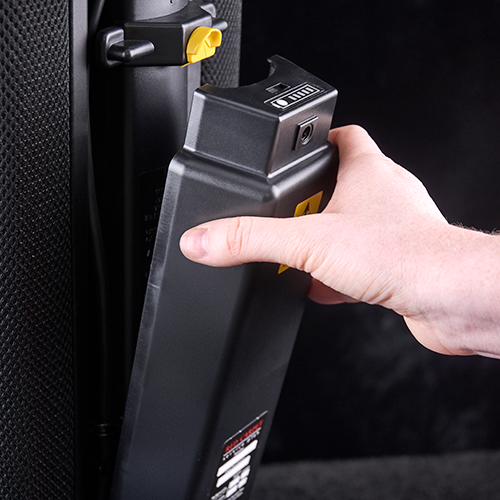
That combination tells you some useful things:
First, this is the kind of cordless vacuum aimed at buyers who care about quality, support, and ownership over time. The separate battery and charger availability suggests a more serviceable machine, not a sealed-up disposable product, and the warranty structure reinforces the idea that Riccar expects this vacuum to be used and maintained like a higher-end appliance.
It also shows why premium vacuum cleaner owners often benefit from talking to a vacuum dealer or repair shop before ordering parts. On a cheaper cordless vacuum, the battery question can turn into a disposable-product conversation pretty fast. On a Riccar (such as the R10CV or in the case of the Riccar R65 and its R65 charging stand and battery) there is more reason to assess whether the vacuum is otherwise in strong shape and worth keeping in service.
How to Tell Whether You Need a Battery, a Charger, or Service
If the vacuum charges inconsistently across different attempts, or only responds when the cord or plug sits just right, the charger or connection points deserve suspicion.
If the charger seems normal but runtime has faded badly over time, the battery is the more likely issue.
If a fresh battery still does not solve the problem, or if the machine has additional symptoms beyond charging, you may be dealing with a machine-side fault. Manuals for higher end vacuums like Miele or Riccar may point owners toward an authorized service center in situations that go beyond simple owner maintenance, and some manuals for higher-quality vacuums recommend an annual checkup service to keep the vacuum in peak operating condition.
When Replacing the Battery Makes Sense
Battery replacement usually makes sense when the vacuum itself is still a good machine, the charging system is confirmed or strongly suspected to be fine, and the battery symptoms fit normal battery decline.
That is especially true if the vacuum still does what you want in every other respect. Good handling, good pickup, parts availability, and an overall machine condition that justifies keeping it in the lineup all weigh in favor of replacing the battery instead of replacing the whole vacuum.
When Repair or Replacement Is the Better Move
There are times when a new battery is not the wise next step.
If the vacuum has broader electrical issues, visible damage, chronic reliability problems, or a charging issue that does not line up neatly with battery wear, diagnosis comes first. Throwing a battery at a deeper problem is one of the easiest ways to spend a few hundred dollars and still end up with a dead vacuum.
There are also cases where the economics do not land well. If a cordless vacuum is low quality, heavily worn, difficult to source parts for, or already struggling in multiple areas, battery replacement may be hard to justify. The situation is different with higher-end machines that are built to earn continued service, but even then, condition still decides the argument.
Can You Prevent Cordless Vacuum Battery Charging Problems?
You can improve your odds, even if you cannot stop battery aging altogether.
Good storage helps. Sensible charging habits help. Keeping the machine maintained helps. So does paying attention to changes in runtime before they turn into hard failure. Dyson’s support guidance specifically ties battery life to maintenance and storage, and Riccar emphasizes overall upkeep, annual checkups, and proper servicing practices.
The Bottom Line

If your cordless vacuum battery is not charging, a bad battery is common, but it’s not the only explanation. Chargers fail. Contacts get dirty. Connections wear. Vacuums develop internal faults that look like battery trouble from the outside.
The best approach is to look at the pattern. If runtime has been fading for a while, battery wear is a strong possibility. If charging is erratic or position-dependent, the charger or connection deserves a harder look. If nothing adds up cleanly, taking the vacuum in for service may be the better next step.